
Start with the existing industrial bus
Many electricity meters, PLCs and field sensors already output data over RS-485. A retrofit can begin with that bus: verify the protocol, then use a collector to send the required data over LoRaWAN while keeping the original instrument’s measurement function.
Acquisition and processing inside the cabinet
KC25 uses DIN-rail mounting and can be deployed to suit a control cabinet’s power and wiring. EdgeBus lets the collector run protocol acquisition and processing logic, rather than merely forwarding serial bytes.
Confirm communication addresses, baud rate, parity and data fields, then check power, regional bands and firmware capabilities. Refer to the current official manuals below for model specifications.
From data acquisition to applications
- Obtain the instrument protocol and define the measurements to read.
- Configure and validate the EdgeBus acquisition logic.
- Send data into ThinkLink through a LoRaWAN gateway.
- Build data views and alerts for the application.
The original article described centralized electricity-meter acquisition and industrial equipment monitoring as typical uses. Validate actual coverage, acquisition intervals and results against site conditions.
Sources
Refer to the corresponding official documentation and confirmed configuration for exact models, interfaces and options.
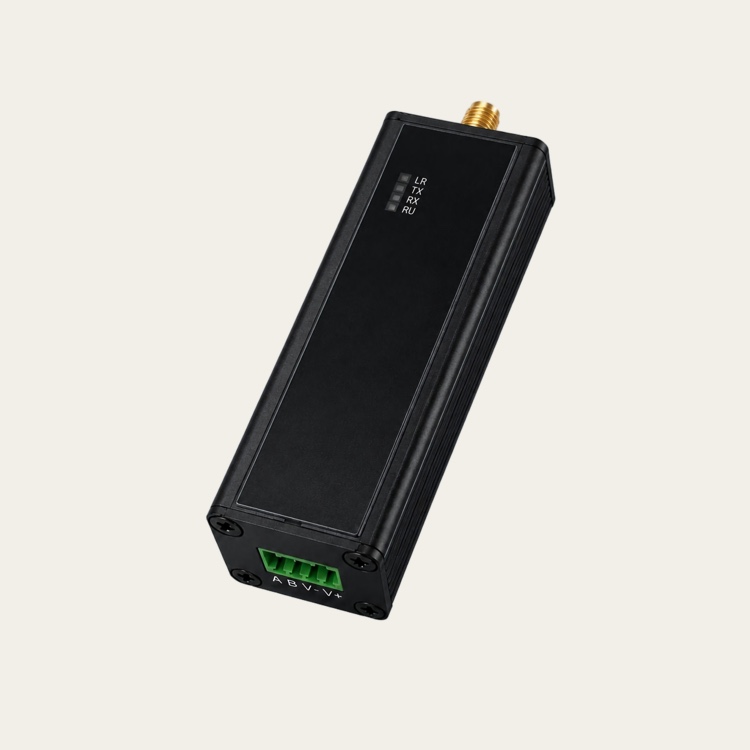 KC25
KC25