
Decide where the gateway and platform will run
The gateway provides field LoRaWAN access; the platform handles data and applications. First establish whether the project has a server, whether ThinkLink will be self-hosted, and whether the platform needs to run directly on the gateway.
GD6 is ESP32-based and does not include the full ThinkLink platform; GD7 does. These are different deployment approaches. Appearance or model numbering alone does not determine capabilities.
| Deployment requirement | Series to consider | Additional checks |
|---|---|---|
| Connect to existing cloud or server infrastructure | GD6:GD61 / GD62 | Platform reachability, backhaul and power |
| Run the platform locally on the gateway | GD7:GD72 / GD73 | Site network, application load and maintenance |
Match the installation environment to a model
GD61 is intended for indoor use and GD62 for outdoor use. GD72 is an outdoor gateway; GD73 is for industrial indoor installations. Check outdoor protection, antenna mounting and power together. A series name is no substitute for the exact product specifications.
Coverage also depends on building materials, terrain, mounting height and surrounding radio conditions. Test actual installation points before purchasing; ideal-condition ranges are not project guarantees.
Prepare these five details before ordering
- Project region and the devices’ LoRaWAN frequency band.
- Indoor, cabinet or outdoor gateway placement, plus antenna location.
- Available site power and backhaul networks.
- Platform location, network access path and maintenance approach.
- Device count, reporting interval, payload size and downlink requirements.
Checking models against these conditions is more useful than comparing gateway prices alone. Confirm interfaces and order options against the exact model’s official manual and agreed configuration.
Sources
Refer to the corresponding official documentation and confirmed configuration for exact models, interfaces and options.
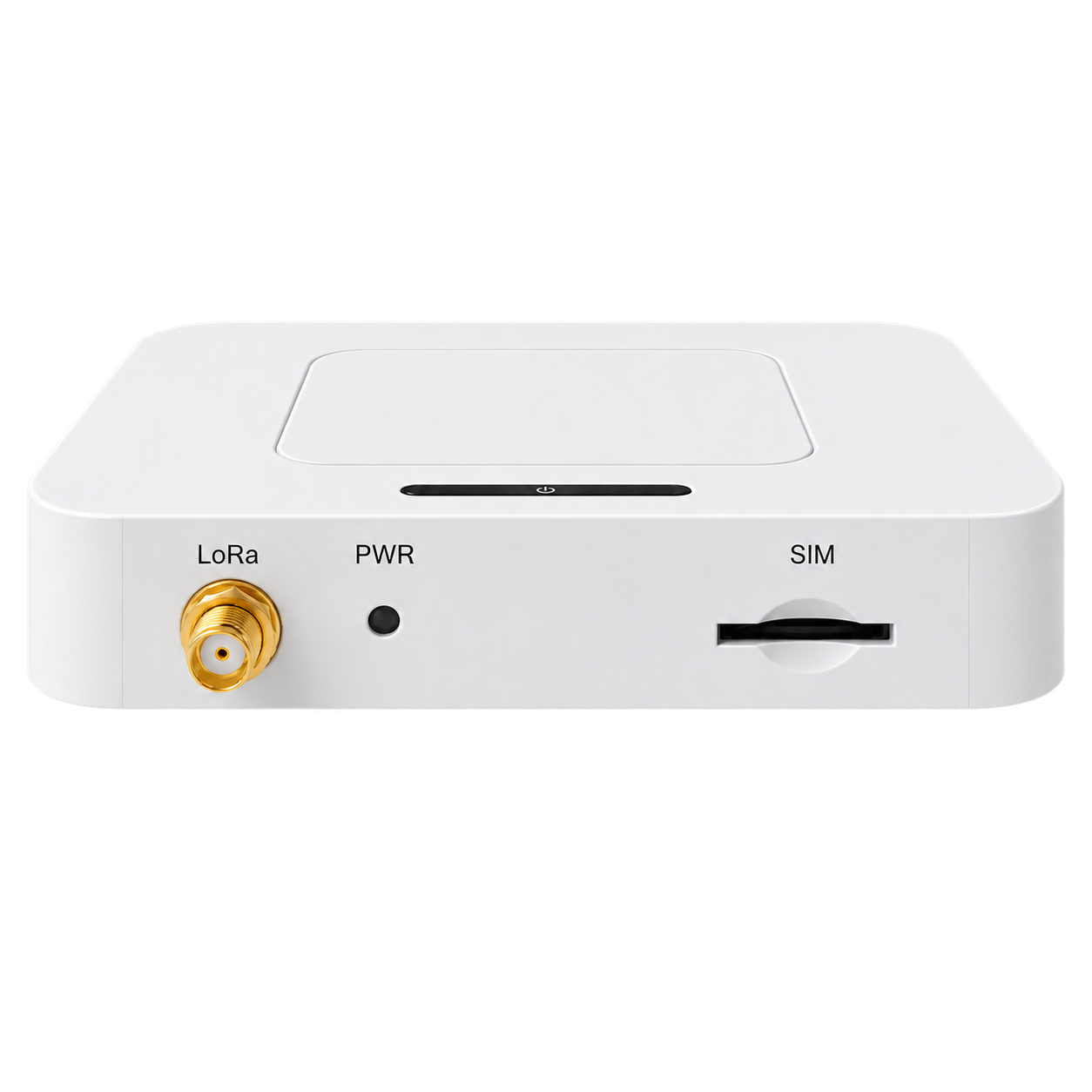 GD61
GD61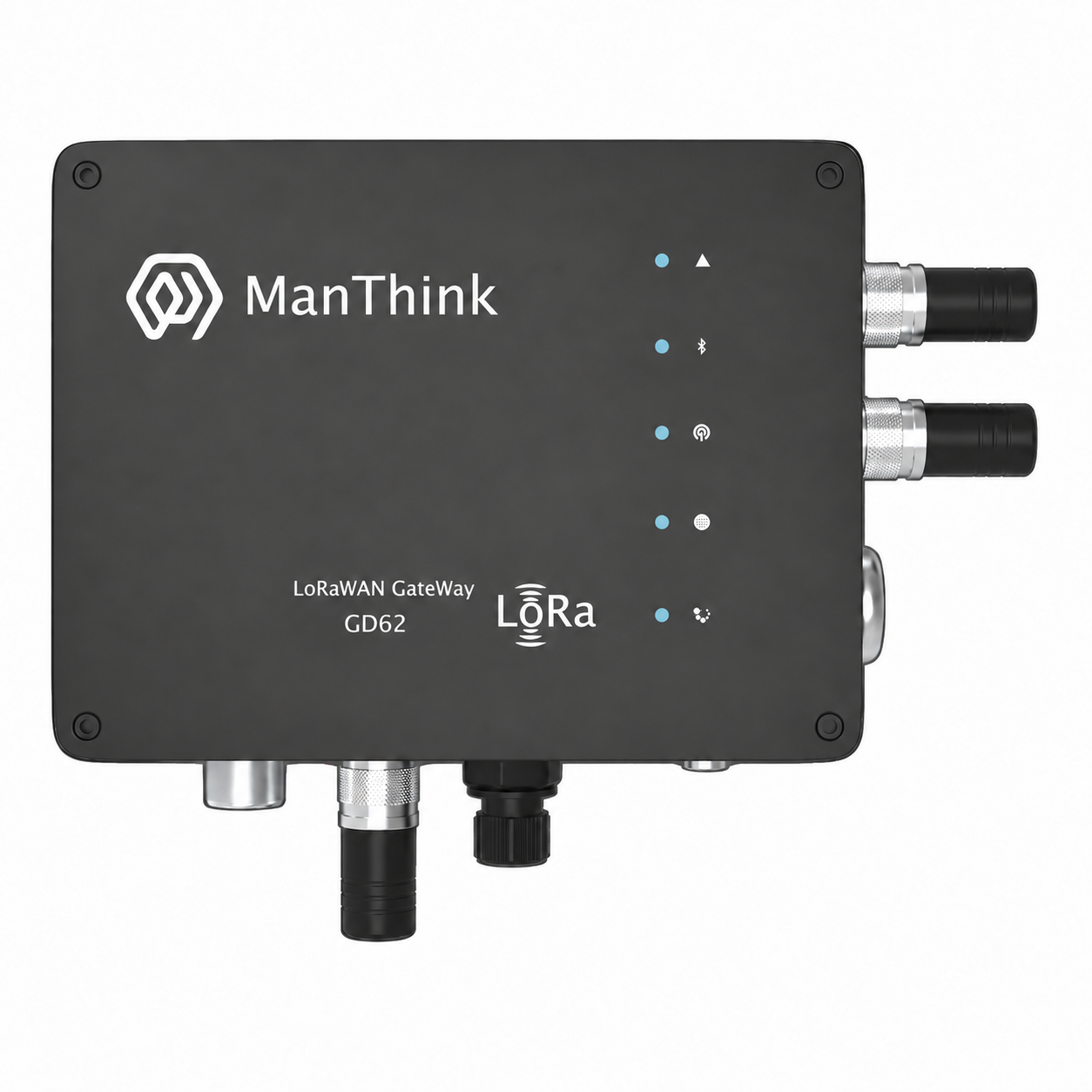 GD62
GD62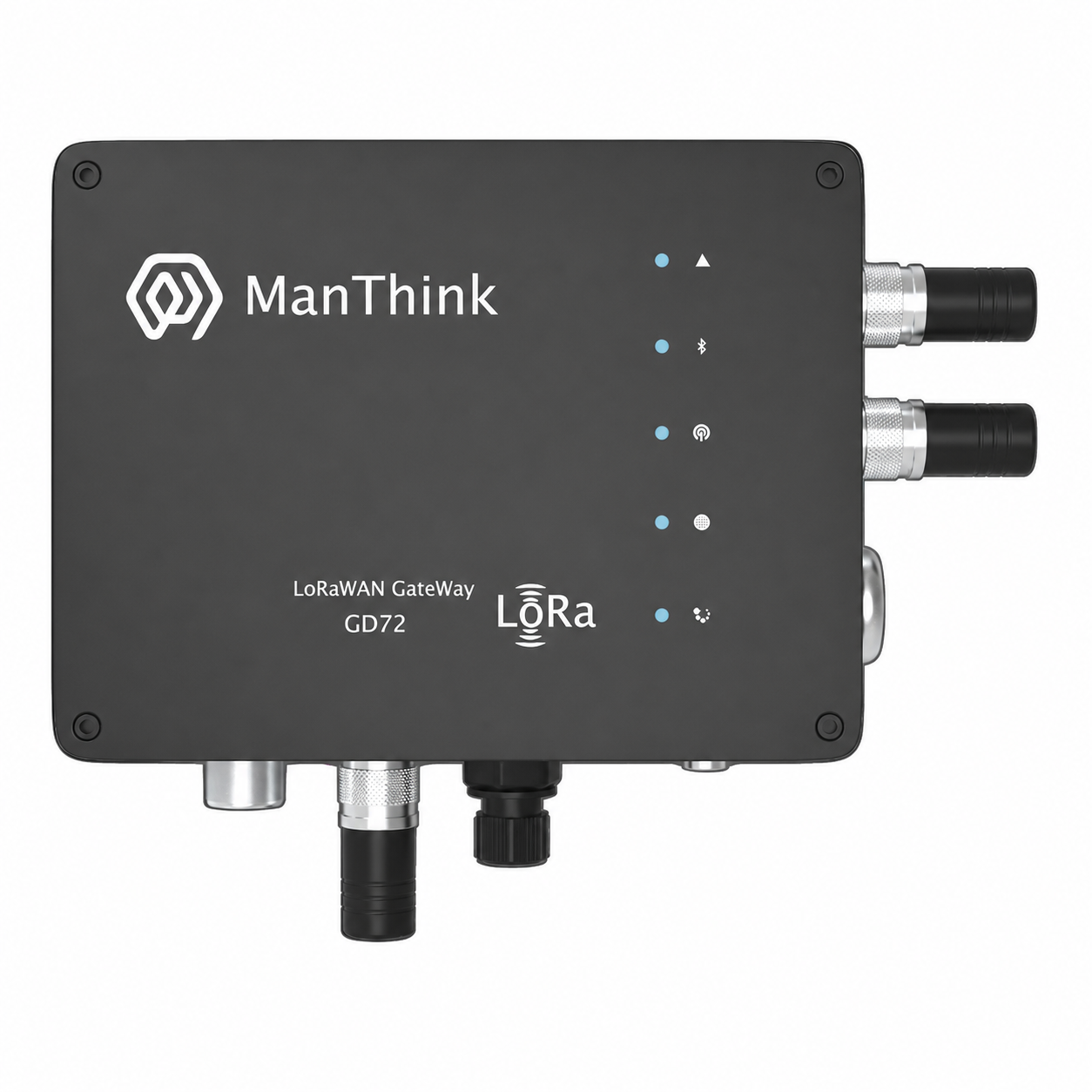 GD72
GD72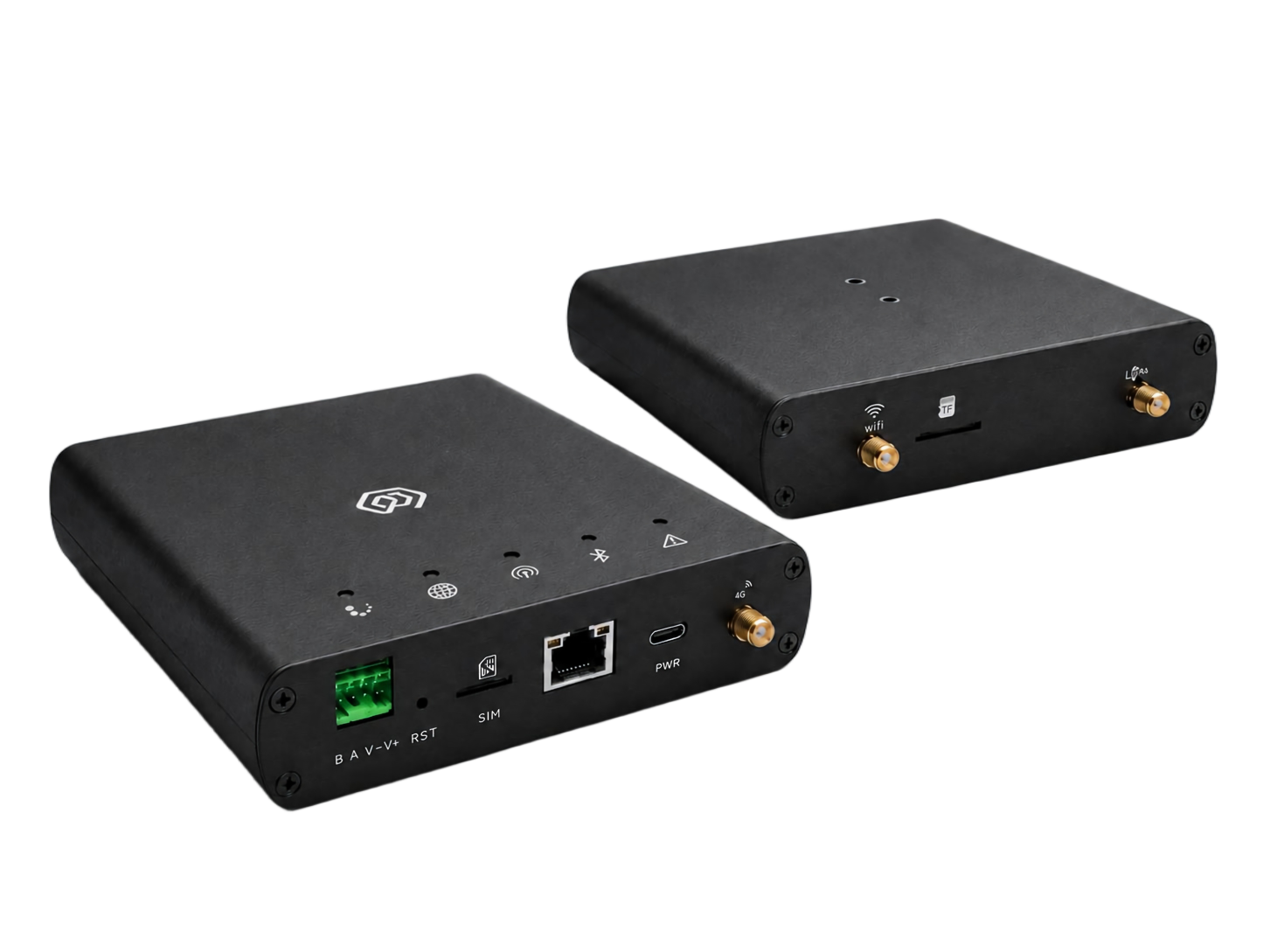 GD73
GD73